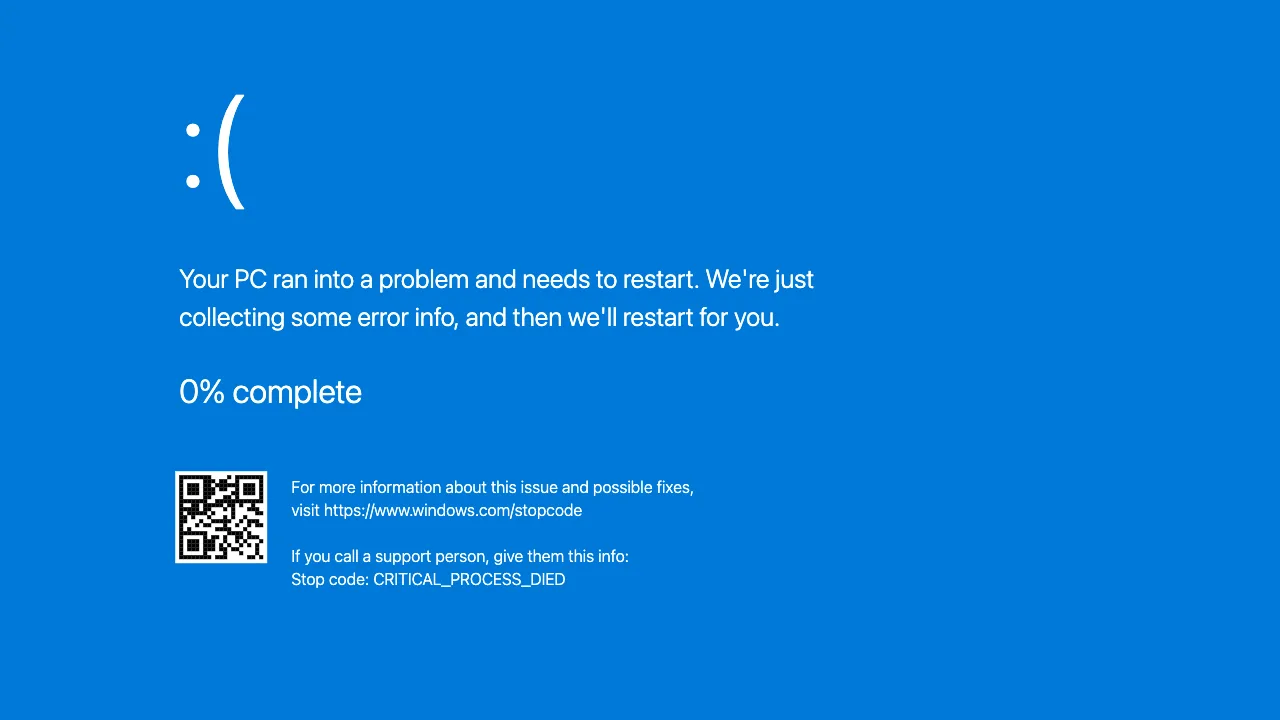
The most feared screen in computing, now available on demand: the sad-face blue screen, a “collecting error info” counter that sits at 0% for a while before crawling upward, and a QR code. Fullscreen this BSOD simulator on a friend’s PC and watch the five stages of grief compress into a minute. Completely harmless: it is a web page, and Esc ends it instantly.
It behaves like a real crash, not a frozen picture. When the counter reaches 100% the screen goes black, the Windows logo and the spinning dots appear as if the PC were rebooting, and then the blue screen comes back with the counter at 0% again. That is exactly what a machine stuck in a boot loop does, so the victim gets no moment of relief and no obvious tell.
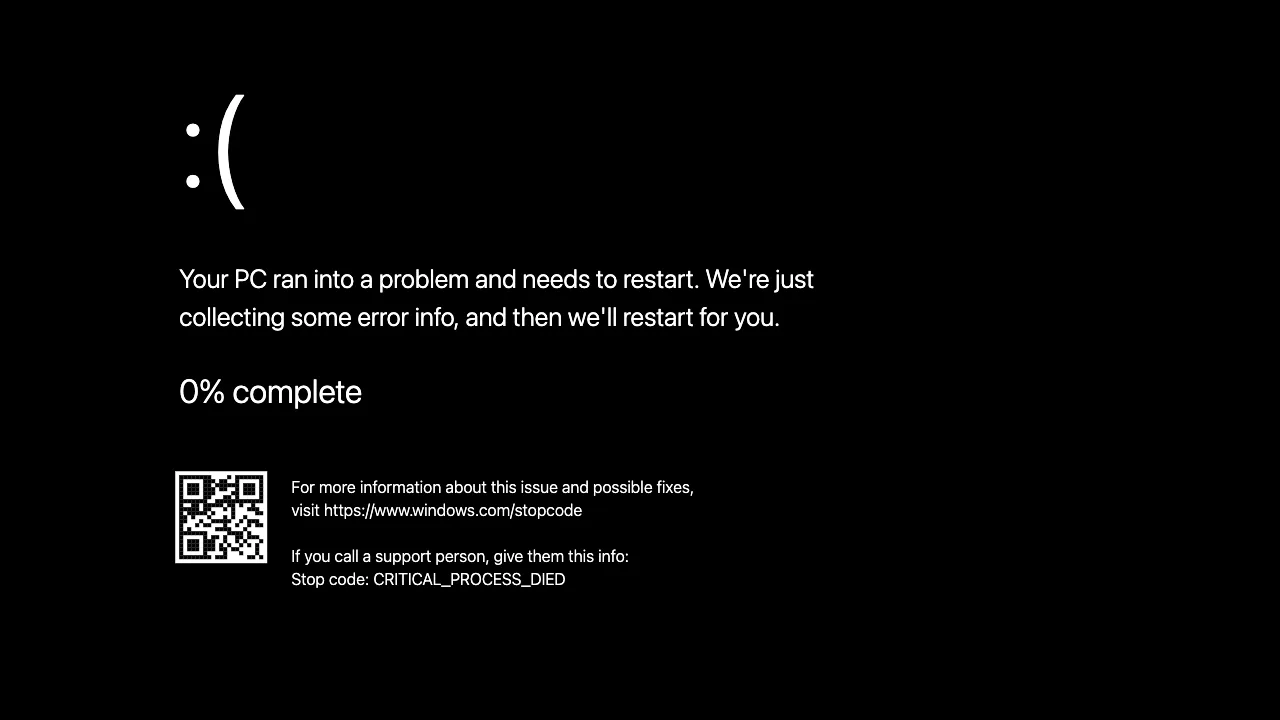
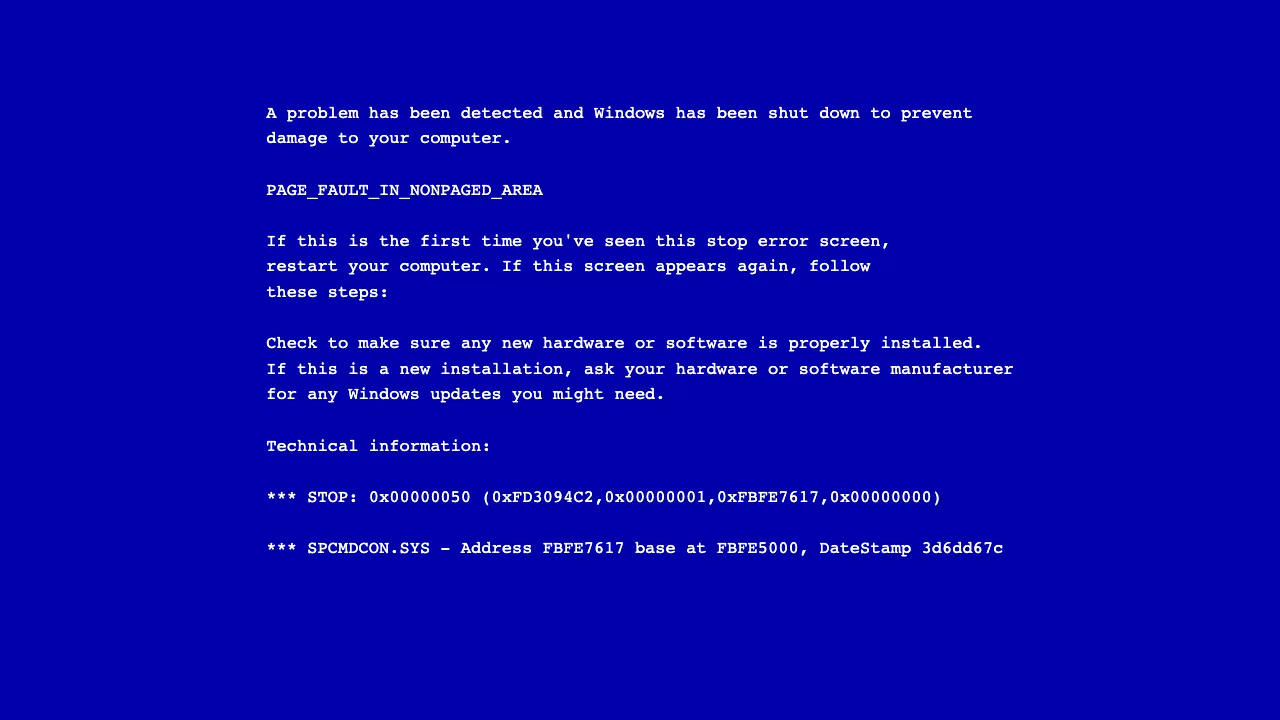
Use the buttons under the screen to switch between four authentic looks: the modern Windows 11 and Windows 10 blue screen with the frowny face and QR code, the new Black Screen of Death that Microsoft rolled out for Windows 11, and the classic text-mode Windows XP stop error with its wall of hex and "PAGE_FAULT_IN_NONPAGED_AREA".
How to pull off the fake blue screen prank
- Open this page on the target computer, ideally in Chrome or Edge, and pick the version that matches the machine.
- Press F or click the screen. The browser bars disappear and the page fills the whole display.
- Push the mouse to the edge of the screen so the cursor is out of sight. Key presses do nothing visible, which only adds to the effect.
- Walk away. The first “restart” comes after about a minute; after the second one even patient people reach for the power button.
- To end it, press Esc and close the tab. Nothing was installed and nothing was changed.
Windows 11, Windows 10, XP or the black screen: which one to pick
Windows 10 and Windows 11 share the same crash screen: the sad face, the two-line message, the percentage and the QR code. Pick it for anything bought after 2015. The black screen of death is what Windows 11 has shown since a 2024 update, identical text on a black background; use it on a freshly updated laptop, and note that people who have already met it once find it more alarming than the blue one. Windows XP is the text-mode stop error with a wall of hex addresses: no counter, no QR code, the screen simply sits there. It is the right choice for an old office PC, a retro build, or a film scene set in the 2000s.
Beyond pranks, it is a great film and streaming prop: need a computer to “crash” on camera? This is the screen your audience expects to see.
What people use it for
The crash prank
Fullscreen, walk away, listen. The counter that sits at 0%, then crawls, then “restarts” the machine is the psychological centerpiece.
Match the target machine
Old office PC? Switch to the Windows XP text-mode stop error. Modern laptop? The Windows 11 blue — or the new black — screen is the one they dread.
Film & video prop
A believable system crash for a scene, sketch or tutorial — no need to actually break anything.
Frequently asked questions
Can a fake BSOD damage the computer?
No. Nothing crashes — it is a static web page imitating the look. Your system, files and session remain untouched.
What happens when the counter reaches 100%?
The screen goes black for a couple of seconds, the Windows logo with the spinning dots appears as if the PC were restarting, and then the blue screen returns with the counter back at 0%. The whole cycle takes about a minute and repeats until you press Esc.
Can I make the fake blue screen fullscreen?
Yes: press F or click the screen. On a laptop or desktop the page fills the entire display and hides the browser; press Esc to leave fullscreen. On phones the page switches to a fullscreen-style view instead.
Can I choose Windows 11, 10, XP or the black screen?
Yes. The buttons under the screen switch between the modern Windows 11 and Windows 10 blue screens, the new Windows 11 Black Screen of Death, and the classic Windows XP text-mode stop error — each with the right layout, wording and font.
What is the Black Screen of Death?
With a 2024 Windows 11 update Microsoft changed the crash screen background from blue to black. This simulator includes both, so you can show whichever version matches the PC.
How do I exit the fake blue screen?
Press Esc to exit fullscreen, then close the tab. If a victim presses random keys, nothing happens — which only adds to the realism.